Professional woman working at her desk, reviewing a printed document next to her laptop.

Follow-up

The key details of every inquiry, clear right from the start.

Two women in a consulting session, with one seen from behind in the foreground

Full context before you reply

Your customers taken care of, 24/7.

The AI assistant figures out what each lead needs and gets all the context ready so your firm can take it from there.

Reason for inquiry

In charge of follow-ups

Next step

Asistian suggests. You call the shots.

My office

My office on Asistian

Customer cases, documents, notes, and to-dos all live in one place, so anyone on the team can pick up right where someone else left off.

Desktop view of a management system set up for Bufete Reyes Abogados.

Customer follow-up

Every customer knows what's happened and what comes next.

Your portal keeps clients updated without forcing them to text on WhatsApp every time they want to check their status.
Status in plain English

The AI assistant suggests what's happening and what to do next; your team reviews it before it goes out.

Dates and documents

Share upcoming dates, events, and any files you want customers to see.

Balance and messages

Clients can check their balance, pay by card, and message your team directly from their portal.

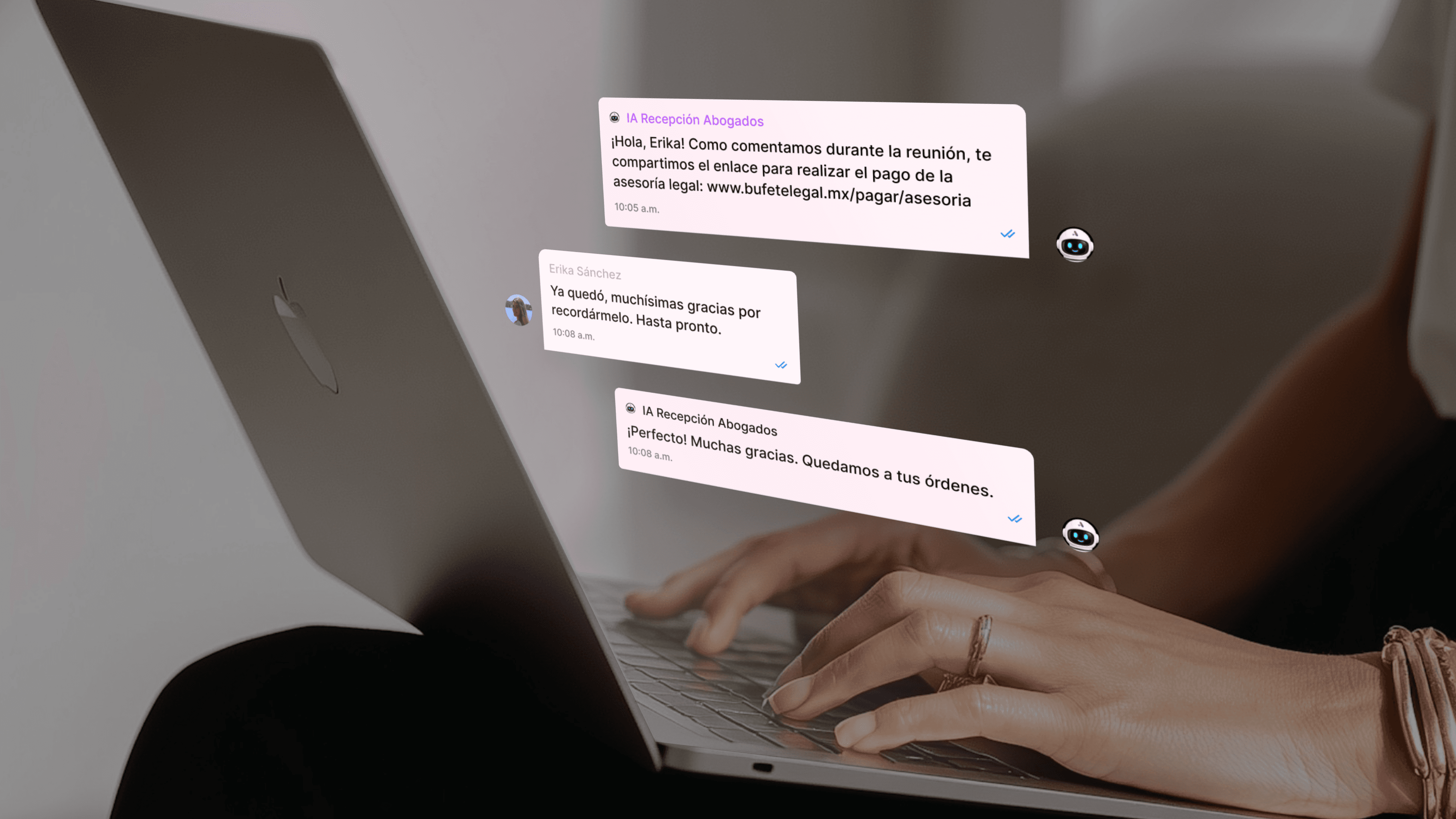
Close-up shot of someone typing on a silver laptop keyboard.
Perspective view of a mobile phone displaying the 'Documents' section inside an app.
Someone holding a phone with an open WhatsApp chat about legal advice.

Balance and messages

Clients can check their balance, pay by card, and message your team directly from their portal.

Close-up shot of someone typing on a silver laptop keyboard.

Dates and documents

Share upcoming dates, events, and any files you want customers to see.

Perspective view of a mobile phone displaying the 'Documents' section inside an app.

Status in plain English

The AI assistant suggests what's happening and what to do next; your team reviews it before it goes out.

Someone holding a phone with an open WhatsApp chat about legal advice.

Balance and messages

Clients can check their balance, pay by card, and message your team directly from their portal.

Dates and documents

Share upcoming dates, events, and any files you want customers to see.

Perspective view of a mobile phone displaying the 'Documents' section inside an app.

Status in plain English

The AI assistant suggests what's happening and what to do next; your team reviews it before it goes out.

Someone holding a phone with an open WhatsApp chat about legal advice.

Your business

Every deal right where it belongs

Keep your clients, requests, and daily tasks organized in one system, and track your entire pipeline from a single place.

Someone writing on a document.

Upload the agreement. Review what matters.

Connect Google Drive to organize files by customer, case, or project. Incoming files land in an inbox so your team can easily sort them where they belong.

Side-view photo of jury chairs.

What you already solved keeps working for you

Save key guidelines and documents to your library so you can pull them up whenever a similar case comes in.

Knowledge

Low-angle view looking straight up at the cornice of a classic cream-colored building, decorated with a carved white stone statue.

Everyone knows what's next

Assign projects, review drafts, and get notified when there are edits or a task is due soon.

Team

Someone writing on a document.

Upload the agreement. Review what matters.

Connect Google Drive to organize files by customer, case, or project. Incoming files land in an inbox so your team can easily sort them where they belong.

Side-view photo of jury chairs.

What you already solved keeps working for you

Save key guidelines and documents to your library so you can pull them up whenever a similar case comes in.

Low-angle view looking straight up at the cornice of a classic cream-colored building, decorated with a carved white stone statue.

Everyone knows what's next

Assign projects, review drafts, and get notified when there are edits or a task is due soon.

Someone writing on a document.

Upload the agreement. Review what matters.

Connect Google Drive to organize files by customer, case, or project. Incoming files land in an inbox so your team can easily sort them where they belong.

Side-view photo of jury chairs.

What you already solved keeps working for you

Save key guidelines and documents to your library so you can pull them up whenever a similar case comes in.

Low-angle view looking straight up at the cornice of a classic cream-colored building, decorated with a carved white stone statue.

Spend less time sorting through chaos. Spend more time getting things done.

Assign projects, review drafts, and get notified when there are edits or a task is due soon.

Order

Each team member gets their own calendar.

Set up which services each lawyer, specialist, or team member handles and when they're free. Asistian only offers time slots your team can actually take.

Asistian Calendar view showing all the appointments scheduled for the day.
Portrait of Natalia Rendón from the Legatus team.

Asistian's AI assistant replies in seconds, qualifies leads, and lets us focus on helping the people who actually need our services.

Natalia Rendón

Legatus Customer Support

See how it works

Portrait of Natalia Rendón from the Legatus team.

Asistian's AI assistant replies in seconds, qualifies leads, and lets us focus on helping the people who actually need our services.

Natalia Rendón

Legatus Customer Support

See how it works

Professional services

FAQs for agencies and firms

Can the AI assistant handle first questions from customers?

Yes. It can answer using the details you set up, collect customer info, figure out what service they need, and hand the chat over to the right person. Your team still handles the expert judgment.

Can my whole team see all the customer info in one place?

Yes. Chats, customer details, assigned team members, and follow-ups all stay inside your business account, with access based on each user's role.

Does it work for projects or deals that take months?

Yes. You can keep chat history, organize tasks, and schedule follow-ups so nothing slips through the cracks when someone is away.

Can I keep using my WhatsApp Business number?

Yes, if your setup supports coexistence. The connection runs on official WhatsApp infrastructure and depends on your account's eligibility and settings.

Can I assign each customer or issue to a team member?

Yes. You can assign chats, tasks, and tickets to specific people or teams, so it's always clear who's taking care of what and what comes next.

What do I need to get started?

Connect your channels and add your basic business details: services, business hours, FAQs, customer service rules, and assigned team members. From there, you can easily expand with more automations and workflows as your business grows.

Does it work for law firms?

Yes. Law firms like Legatus and DAB Legal use Asistian to handle client questions coming in through WhatsApp and follow up on every case with their team. You can see how they do it in Case Studies.