

Analytics dashboard
From raw numbers to clear reports, right inside your dashboard.
Check your chats, AI assistant resolutions, and channels all in one place. At the end of the month, Asistian Insights reviews your activity and gives you clear takeaways and next steps, sorted by priority.
Business insights
You don't need to read through hundreds of chats to know what's going on.
Asistian analyzes your chats and links them to your daily business data, turning messages into clear metrics, trends, and insights. You can easily see where your customers are coming from, common questions they ask, where follow-ups get stuck, and how much work your AI assistant is handling for you.
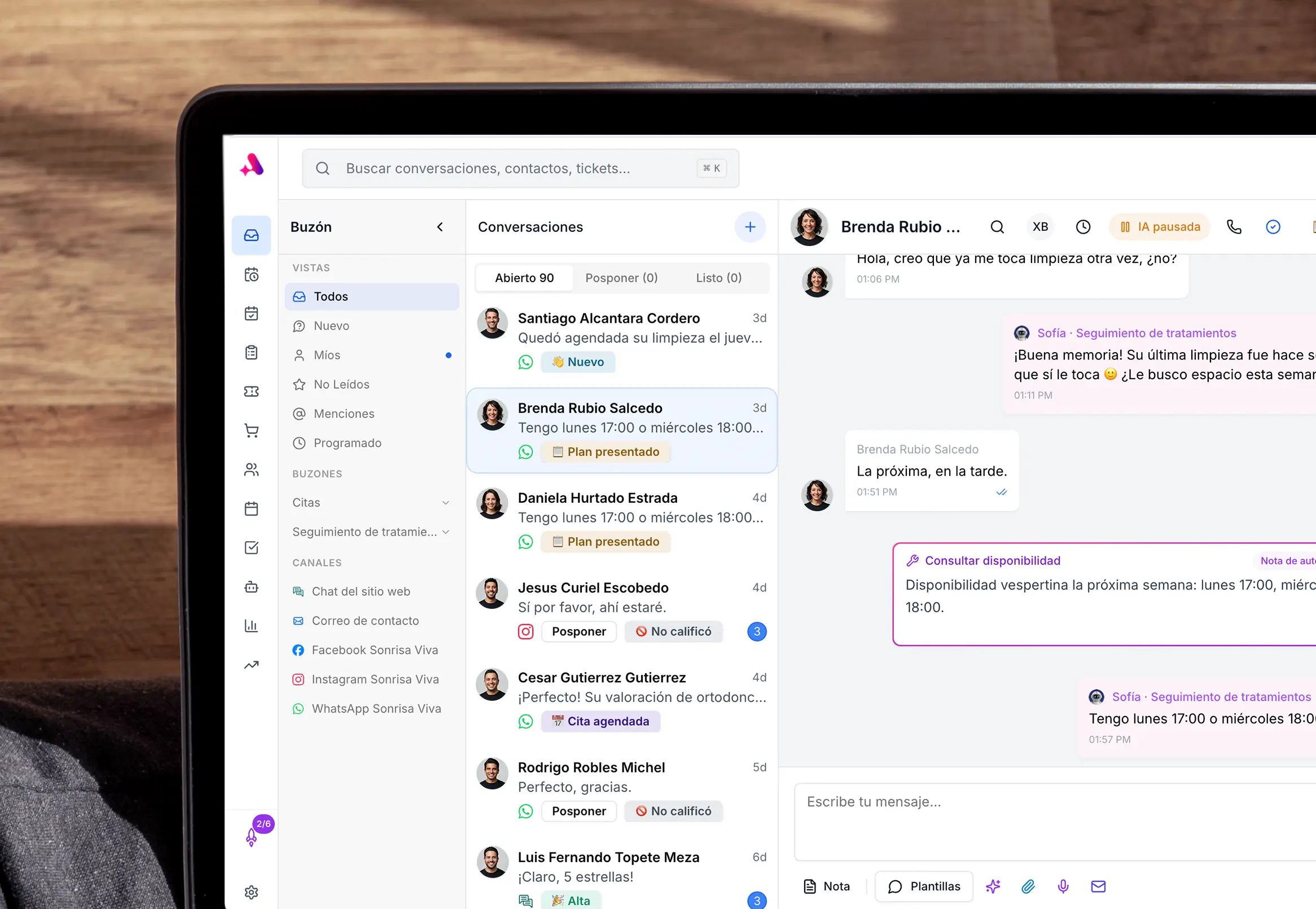

From hundreds of messages to a clear view of your business.
Track your message volume, channel trends, response times, reply rates, unassigned chats, and how your team or AI assistant are performing. Filter by date and inbox to see exactly where your work is happening.


The AI spots trends and patterns that a simple chart won't show you.
Asistian's AI assistant reads through your chats to spot key topics, customer intent, how they're feeling, and common issues. Then, it gives you a quick summary and clear next steps based on what's actually happening in your WhatsApp CRM.
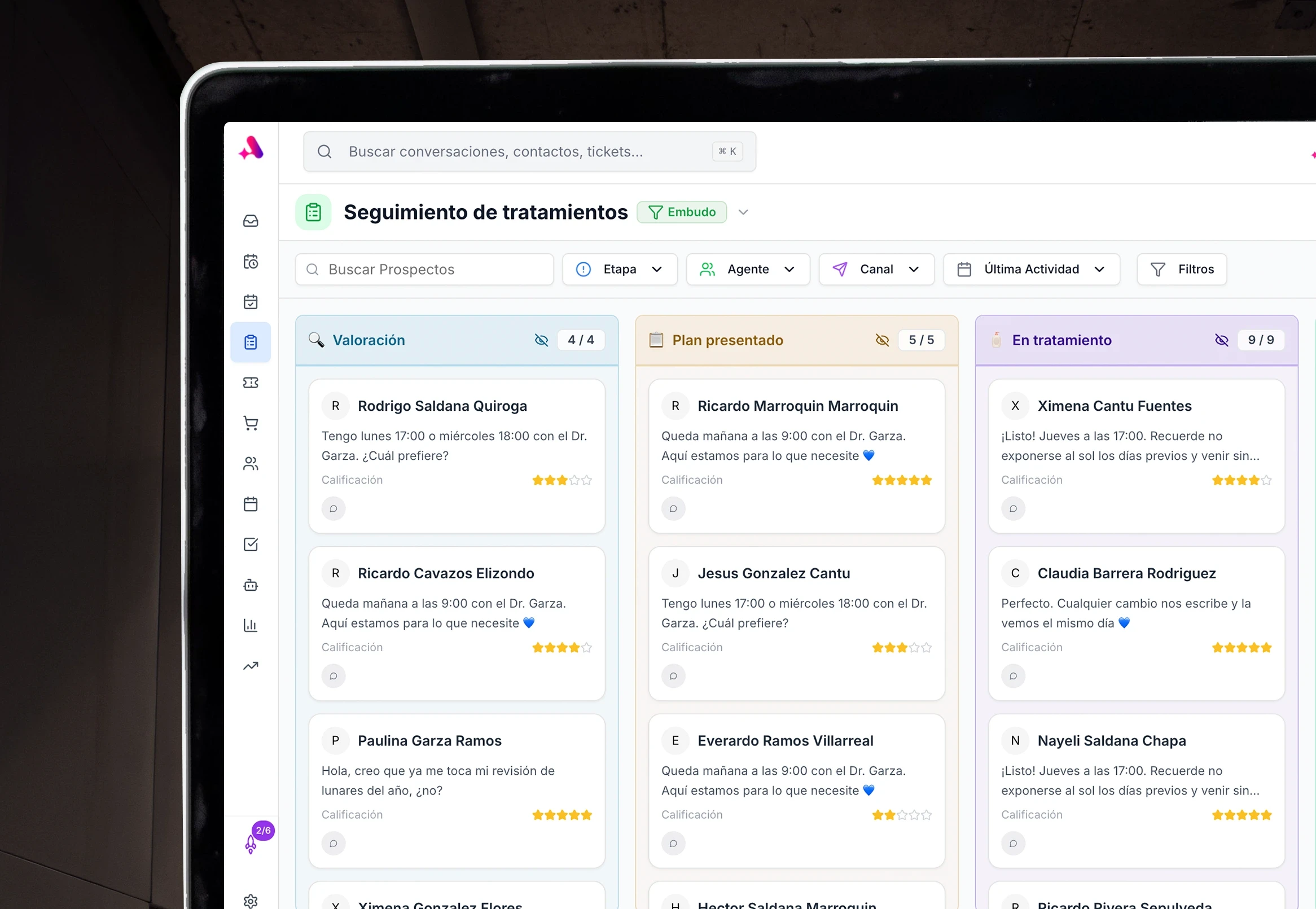

Track your AI assistant's results just like you would any other team member.
See what percentage of chats it handles on its own, how many get handed off to your team, why, and what kind of results it brings in. Asistian can also track the appointments and sales driven by your AI assistants.

Turn your chats into bookings, sales, and real income.
Don't just count incoming messages. Connect your chats to your WhatsApp CRM, sales pipeline, appointments, and deals to see which channels, team members, and processes are actually driving real results.

Support, tickets, and campaigns leave clues too.
Keep track of ticket types, resolution times, assignees, and team performance. For your campaigns, see where leads come from, what they do, and what's driving results—connecting your ads directly to your chats and sales without losing the customer context.
Interpretation
Use your analytics to see what needs attention.
A report is only useful if it helps you ask a clear question about your customer service. Look at the context, see how the findings match your day-to-day work, and decide what details, processes, or follow-ups need tweaking.


Asistian Insights
Ask in your own words. Get a report with clear next steps.
Ask Orbi whatever you need to know, like: “How is my sales team doing with response times?”. Orbi checks your numbers, and Asistian Insights turns them into a simple breakdown: what happened, why it likely happened, and what you should do next.
See what you can learn from every conversation.
A closed chat doesn't mean you made a sale. In this guide, we break down what your conversations actually tell you—and what other data you need to see if you're really getting results.

What would you like to know about how your business serves customers?
Tell us what data is hard to track down right now, and let's see how Asistian's analytics can help.
Do the analytics show everything happening in my business?
They pull insights from your chats and the data saved in Asistian. To track anything that happens outside of those records, you'll need to check the original sources directly.
Is the AI assistant's analysis the final word?
This data is here to help with your review. Always weigh these insights against real-world context, especially when evaluating performance or looking into root causes.
Do all plans include the same analytics?
What’s included depends on your plan. Check out our pricing comparison, or chat with us about the specific info you need to get.
Does the AI assistant reply to my customers automatically?
Yes. The AI assistant can answer FAQs, qualify leads, summarize chats, help your sales team, and hand off conversations to a real person whenever needed.
How is Asistian different from Intercom, Respond.io, or Kommo?
Intercom is great for global helpdesks, Respond.io handles worldwide omnichannel messaging, and Kommo focuses on sales CRMs. Asistian is different: we're built specifically around WhatsApp, powered by an AI assistant from day one, with local support and workflows designed for Mexican businesses.
Is Asistian built for businesses in Mexico?
Yes. Asistian is built right here in Mexico for local businesses: sales directly on WhatsApp, personal support, onboarding in Spanish, pricing in Mexican pesos, and a team that actually understands how business works here.
Do I need to change my WhatsApp number?
No. You can keep your existing WhatsApp Business number. The goal is to stick with the channel your customers already know, while adding a WhatsApp CRM, an AI assistant, and proper follow-ups.
Do you use the official WhatsApp Business API?
Yes. Asistian runs on Meta's official WhatsApp Business API. It's a stable, reliable setup built for teams that depend on WhatsApp to run their business.
Can my team still use WhatsApp on their phones?
Of course. If they prefer replying from their phone, they can keep doing it. If they prefer Asistian on the web, that works too. You decide what works best for each person—no pressure.
Does it work with regular WhatsApp (not Business)?
You'll need WhatsApp Business (it's free on the App Store and Google Play). If you're still using regular WhatsApp, switch to Business first—it takes five minutes and you keep all your chats. Then you can connect Asistian.
What happens to my data if I disconnect?
We'll export all your data in standard formats (CSV, JSON) before closing your account. No tricks, no holdbacks, and no lock-ins. Your data is always yours.


